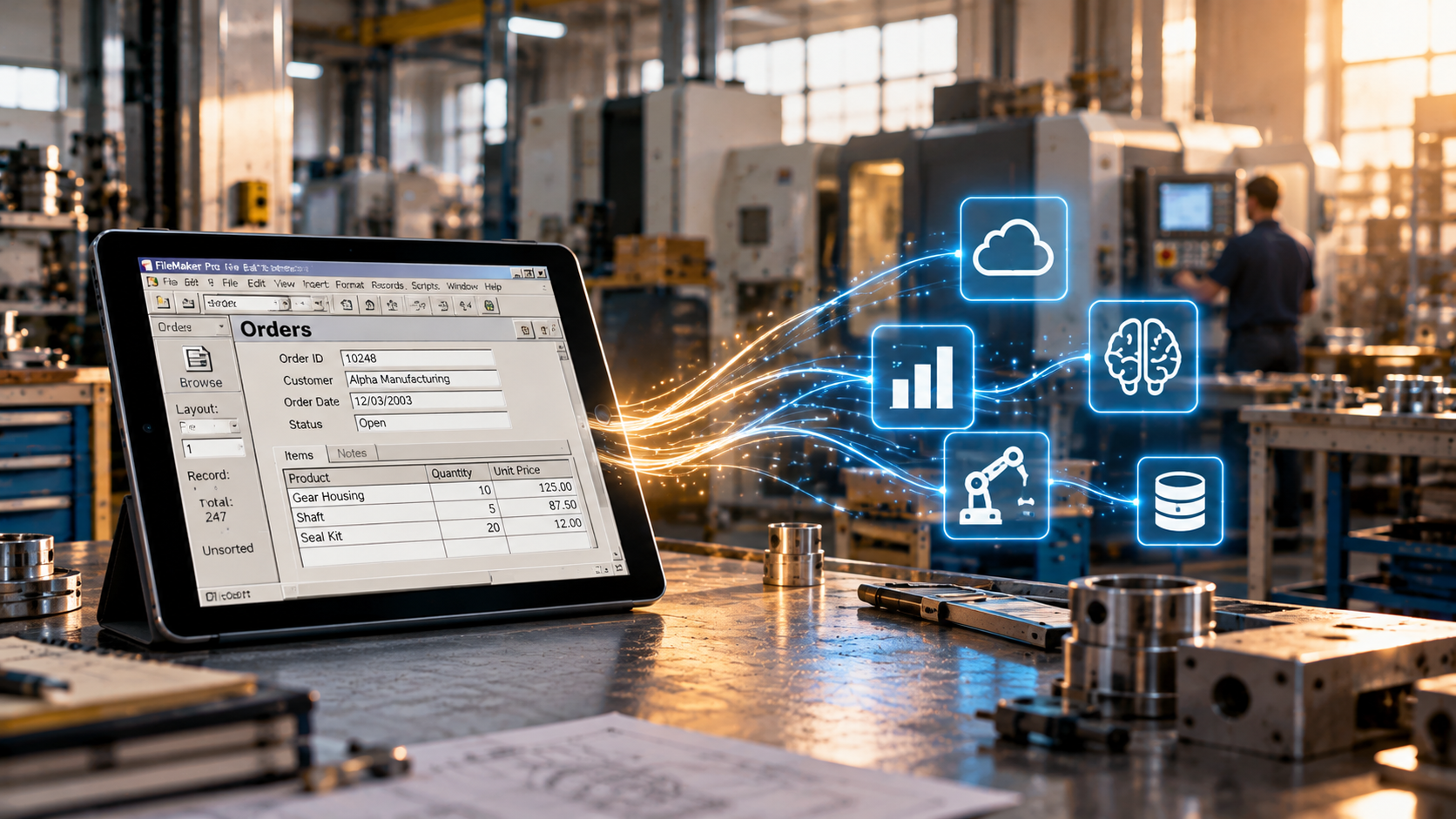

AI agents, dying applications, integration nightmares, real-world implementations, and the uncomfortable economics of building software. A closer look at the FMExchange 2026 programme.
FileMaker is in your business. So now what?
That question opens FMExchange 2026, the international conference at the heart of Milan FileMaker Week.
And it’s a surprisingly difficult question to answer.
Because FileMaker is rarely just another application.
For some companies, it’s the system that runs almost everything. For others, it’s a collection of solutions developed over twenty years, gradually becoming indispensable to daily operations. Sometimes it’s an extraordinary example of how quickly software can adapt to a business. Sometimes it’s a technical debt nobody quite knows how to deal with.
Meanwhile, artificial intelligence is changing how software is designed, developed, integrated, and maintained.
Claris is introducing new capabilities. AI agents are entering development workflows. APIs and automation are becoming essential parts of modern architectures. And the economics of software development are shifting.
So what does all this mean for people who build with FileMaker? And what does it mean for the businesses that depend on it?
We designed the FMExchange programme around these questions.
Not as a collection of unrelated technical presentations, but as one conversation that develops across two days.
Here’s what we’ll be exploring.
1. When AI starts building software, what happens to the developer?
Let’s start with the elephant in the room.
For years, being a good developer meant knowing how to build things. Understanding the platform, mastering its tools, solving technical problems, and turning requirements into working software.
But what happens when AI can increasingly perform some of those tasks?
In Inside Agentic Development for FileMaker, Douglas Wallis from Claris takes us inside the emerging world of agentic development.
This is more than another demonstration of AI generating code.
The interesting question is how development changes when an AI agent can participate in a workflow, understand instructions, interact with tools, and potentially execute increasingly complex tasks.
What information does an agent need to understand a FileMaker solution? How much context can we provide? What can realistically be delegated? And where does the developer remain essential?
These questions lead naturally to a broader discussion about the economics of software.
Nicola Mattina approaches the transformation from a different perspective in Software Is the Easy Part Now.
If building software becomes easier, what exactly are developers selling?
For decades, technical implementation has been a major component of the value delivered by software professionals. But as implementation becomes faster and more accessible, the competitive advantage may shift elsewhere.
Understanding business problems. Designing appropriate solutions. Making architectural decisions. Knowing what should not be automated.
The ability to produce software is not the same as the ability to produce valuable software.
And that distinction is becoming increasingly important.
2. AI in FileMaker: beyond the demonstrations
There’s no shortage of impressive AI demonstrations.
A chatbot answers questions about a database. A model generates a summary. A script sends a prompt to an external service.
Interesting, certainly.
But what happens when we try to turn these experiments into something a business can actually use?
Several FMExchange sessions examine this problem from different technical perspectives.
What does AI actually cost?
Romain Dunand tackles a question that is frequently missing from the excitement surrounding artificial intelligence:
Building AI in FileMaker. What Does It Actually Cost?
The cost of an AI implementation is not necessarily limited to the price of an API call.
There are architectural decisions, development effort, infrastructure requirements, maintenance, and the operational consequences of integrating AI into an existing application.
An experiment that works beautifully with a small dataset may become considerably more complicated when introduced into a production environment.
Understanding these costs is essential for developers preparing proposals and for companies evaluating whether an AI feature is worth implementing.
When a database starts answering back
Caroline Crémieux-Charpentier explores another dimension of AI integration in When Your FileMaker Database Starts Answering Back.
The session examines the possibilities opened by the Model Context Protocol (MCP), using a practical FileMaker case.
Instead of treating AI as an isolated feature, MCP introduces a way for AI systems to interact with external tools and information sources.
For FileMaker developers, this raises interesting architectural questions.
How can an AI system access information stored in FileMaker? Which operations should it be allowed to perform? How do we maintain control over the interaction?
The objective is not simply to make a database conversational.
It’s to understand what becomes possible when FileMaker participates in a broader ecosystem of AI-powered tools.
Building the connection yourself
Jeroen Aarts brings the discussion directly into implementation with How to Set Up a Self-Hosted MCP Server with n8n and FileMaker.
This session explores the technical architecture behind connecting FileMaker to an MCP server using n8n.
It’s particularly relevant for developers interested in experimenting with agent-based workflows while maintaining control over their infrastructure.
The combination of FileMaker, automation platforms, and MCP introduces possibilities that extend well beyond traditional database development.
It also introduces new responsibilities.
Once an external system can interact with your application, understanding permissions, data flows, and operational boundaries becomes just as important as establishing the connection.
3. The future of FileMaker search may not look like search
Anyone who has developed a sufficiently complex FileMaker solution knows that searching for information is not always straightforward.
Traditional searches depend on structured fields, predictable values, and the ability to express a query in terms the database understands.
But people don’t always think that way.
They remember concepts, relationships, descriptions, and approximate meanings.
This is where semantic search becomes interesting.
In Semantic Search Autopsy: The Evolution Beyond Perform Find, Nicolas Franco examines how search capabilities can evolve beyond conventional FileMaker techniques.
Semantic search introduces a different approach to retrieving information, one based on meaning and similarity rather than exact matching alone.
But implementing it requires understanding more than the concept.
How should information be represented? What makes a result relevant? How do we evaluate the quality of a search? And when does semantic search offer a meaningful advantage over traditional FileMaker functionality?
For developers working with large collections of documents, product catalogues, knowledge bases, or complex business information, these are practical questions.
The objective is not to replace every existing search with AI.
It’s to understand when a different search architecture can solve problems that conventional approaches struggle to address.
4. Your FileMaker application will die. But should you rebuild it?
This might be the most uncomfortable part of the programme.
And perhaps the most important for companies running mature FileMaker systems.
Two sessions approach the future of existing applications from complementary directions.
The case against rebuilding everything
Albert Harum-Alvarez presents The ONLY Good Reason NOT to Rebuild Your App from Scratch.
It’s a deliberately provocative title addressing a familiar situation.
A company has an application that has been evolving for years. It contains thousands of scripts, complicated relationships, accumulated business rules, and functionality that nobody has fully documented.
At some point, someone suggests starting again.
A clean architecture. Modern interfaces. Better performance. Fewer compromises.
It sounds attractive.
But rebuilding an application also means reconstructing years of accumulated business knowledge, including details that may no longer exist anywhere outside the software itself.
The real question is not whether the existing application is old.
It’s whether rebuilding it creates enough value to justify the cost, risk, and disruption.
Planning for the inevitable
John Renfrew takes the conversation in another direction with Your FileMaker App Will Die. Plan Accordingly.
Every application has a lifecycle.
Technologies evolve. Business requirements change. Integrations become obsolete. Infrastructure is replaced.
The problem is not that applications eventually reach the end of their useful life.
The problem is designing systems as though that moment will never arrive.
John examines the importance of planning for change through architectures that support integration, interoperability, and gradual evolution.
APIs, webhooks, OData, and the relationship between FileMaker and external systems become part of a much larger discussion.
How do we prevent a business application from becoming an isolated technological island?
And how do we make future transitions less traumatic?
Together, these sessions offer two essential perspectives: understanding when rebuilding makes sense, and designing applications that remain adaptable whether they are rebuilt or not.
5. FileMaker must die. Three companies already decided it should.
There’s a tendency within technology communities to discuss the future of a platform primarily from the perspective of the people who love using it.
But businesses don’t necessarily share that emotional attachment.
They need systems that work.
Sometimes FileMaker is the right answer.
Sometimes it isn’t.
And sometimes a company decides to replace FileMaker even when the application itself is still functioning.
In FileMaker Must Die, Evelyn Strappaveccia examines real cases of companies that decided FileMaker had to go.
The objective is not to argue that FileMaker is obsolete.
Quite the opposite.
By examining situations in which companies choose to abandon the platform, we can better understand the factors that influence technology decisions.
The discussion moves beyond code quality and technical capabilities to consider business expectations, organizational change, architectural choices, and the relationship between a software solution and the company using it.
For developers, these stories offer an opportunity to look at their work from the customer’s perspective.
For business owners, they raise a different question.
When a system becomes difficult to maintain or evolve, is the technology itself the problem?
Or is the problem somewhere else?
6. What happens when automation becomes the workload?
For many years, FileMaker Server has primarily supported applications used by people.
Users open layouts, search records, run scripts, generate reports, and interact with business processes.
But the nature of that workload is changing.
Automations run without direct human intervention. External services trigger operations. Scheduled processes exchange information. AI-powered workflows may generate additional requests and processing tasks.
And all these activities compete for resources.
Andrea Francica addresses this transformation in The Workload Is Coming (for Your FileMaker Server).
The session focuses on preparing FileMaker Server for an increasingly automation-heavy future.
It’s an important subject because introducing new capabilities into an application doesn’t automatically mean the underlying infrastructure is ready to support them.
Performance, resource management, workload distribution, and architectural decisions become critical when automated operations grow in number and complexity.
For organizations planning to integrate AI agents, external services, and more sophisticated automation, understanding the implications for FileMaker Server is an essential part of the process.
7. Real applications, real problems, real AI
Technical possibilities become much more interesting when they are tested against actual business requirements.
That’s why the programme includes real-world implementation stories.
In Building Medical AI with FileMaker, Sergio Santoro presents HALIA, a project developed by Unicorn Apulia.
The session explores the integration of FileMaker into a medical booking workflow, providing a concrete example of how the platform can participate in an AI-enabled application.
Healthcare environments introduce particular challenges.
Information needs to be reliable. Processes must reflect operational requirements. Different components need to work together.
The value of the case study lies in examining how technology is applied to a specific problem rather than treating AI as an objective in itself.
For developers considering AI integrations, practical examples like this help connect architectural possibilities with implementation decisions.
8. The next generation of FileMaker developers
Technology is changing, but so are the people entering the profession.
And that raises a question the FileMaker community cannot afford to ignore.
Why the Hell Would Gen Z Choose FileMaker?
Mariangela Tricarico approaches the subject from the perspective of a generation entering a development landscape very different from the one experienced by many established FileMaker professionals.
Today, aspiring developers can experiment with countless technologies, frameworks, low-code platforms, and AI-assisted development environments.
Why should FileMaker be part of that choice?
What makes it attractive? What makes it difficult to discover? And how does the community communicate its value to people who don’t already know it?
This isn’t simply a discussion about attracting younger developers.
It’s about how FileMaker positions itself in a world where the definition of software development is changing.
9. Welcome to the FileMaker future. Here’s a PDF.
Of course, no discussion about the future of business software would be complete without confronting one of its most persistent realities.
Documents.
Despite decades of digital transformation, PDFs remain deeply embedded in business processes.
Contracts, invoices, reports, forms, specifications, and countless other documents continue to carry essential information between people and systems.
In Welcome to the FileMaker Future. Here’s a PDF, Giulio Villani examines this reality through the lens of modern FileMaker development.
The title captures a familiar contradiction.
We talk about intelligent applications, automation, and AI agents, while businesses continue to depend on document-based processes that are often difficult to integrate.
But those documents also represent opportunities.
The challenge is understanding how modern technologies can help FileMaker applications work more effectively with the information businesses already produce and exchange.
Because the future of software doesn’t necessarily mean eliminating existing formats.
Sometimes it means finally making them useful.
10. One conversation, not a collection of presentations
The technical sessions are only part of the programme.
FMExchange 2026 was designed around a single-track format, allowing participants to follow the same conversation from beginning to end.
The first day opens with FileMaker Is in Your Business. So Now What?
It establishes the central question behind the event: what should developers and companies do with the technologies, applications, and business systems they already have?
The second day begins with the Surviving the Future roundtable, bringing together Douglas Wallis, John Renfrew, Giulio Villani, and Nicola Mattina.
Different professional perspectives meet around the same challenge.
How do we prepare for a future in which technology is changing faster than the systems businesses depend on?
Throughout both days, AI Labs introduce opportunities to move from discussion toward experimentation.
These sessions are designed to bring practical interaction into a programme that deliberately alternates technical implementation, real-world cases, and broader strategic questions.
And the conference closes with a different statement from the one that opened it.
The Future Isn’t Next.
Because the changes discussed throughout the programme are not hypothetical developments waiting somewhere on the horizon.
They are already influencing how software is built, maintained, integrated, and valued.
11. Who should watch these sessions?
One of the reasons we developed this programme is that the FileMaker conversation often remains confined to the developer community.
But FileMaker applications don’t exist for developers.
They exist because businesses need them.
The programme therefore addresses several different perspectives.
For FileMaker developers, the technical sessions explore emerging approaches to AI integration, MCP, automation, semantic search, server architecture, and application modernization.
For consultants and solution architects, the discussions about rebuilding, interoperability, technical debt, and the changing economics of development provide a broader framework for evaluating projects and advising clients.
For companies using FileMaker, the case studies and strategic sessions address questions about the future of existing applications, investment decisions, integration with other technologies, and the practical value of AI.
And for anyone responsible for maintaining a business-critical application, the programme offers something that can be more useful than another list of new features: different perspectives on how to make better technology decisions.
12. The conversations don’t have to end in Milan
There is something particularly valuable about watching a technical conference after the event.
You can return to a complex explanation.
You can revisit an architectural decision.
You can compare different approaches before starting your next project.
And you can share a session with the colleague or customer who needs to understand why a particular technology decision matters.
The FMExchange 2026 recordings make the conference content accessible beyond the two days in Milan.
From Claris’s approach to agentic development to practical MCP implementations, from semantic search to server workloads, from medical AI applications to the difficult question of whether an existing FileMaker system should be rebuilt or replaced, the programme covers a substantial range of challenges facing today’s FileMaker ecosystem.
But these subjects are not independent.
They are different parts of the same problem.
How do we continue building software that remains useful when the technology around it changes?
That’s what we wanted to explore in Milan.
And that’s the conversation we want to make available to everyone who works with FileMaker, whether they joined us in person or not.
The future isn’t next. It’s already in your business.
FMExchange 2026 — Milan FileMaker Week
November 5–6, 2026 | Milan, Italy
Explore the full programme and recording options here.